
2026-08-30
perfmon, Code7, RPC_E_TOO_LATE, wmiApSrv
The following explains why this error occurs and how the fix resolves it. CCBoot Server relies on Windows Management Instrumentation (WMI) to query disk performance counters from the underlying OS. When the server displays Get disk perfmon failed! Code[7], it means this WMI performance query has failed, and CCBoot's own log points to the underlying cause: COM security was already initialized by other code (RPC_E_TOO_LATE).
- Open power shell as Administrator and write “Get-Service wmiApSrv | Select-Object Name, Status, StartType”. (Figure 1)
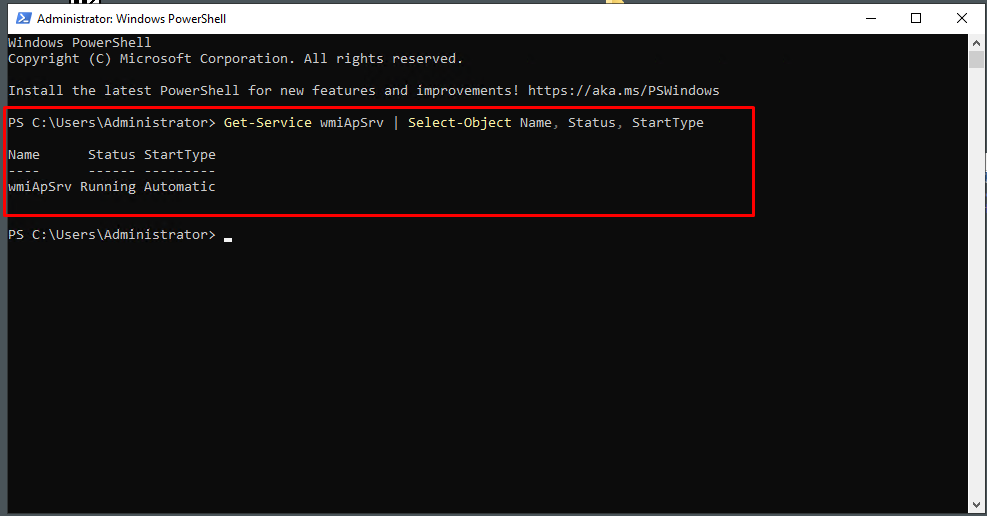
Figure 1
- If status is not running, then type “Set-Service -Name wmiApSrv -StartupType Automatic” then “Start-Service wmiApSrv”. (Figure 2)
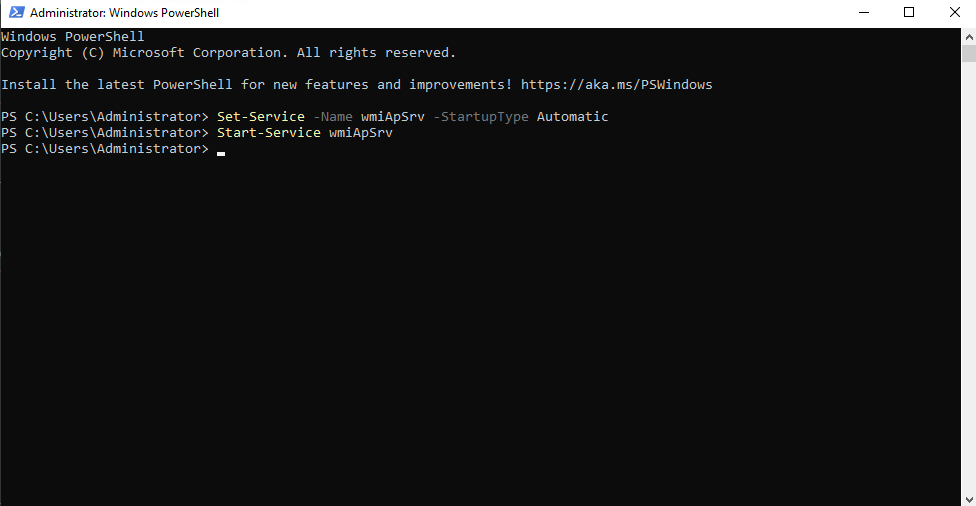
Figure 2
- After that, the issue should be fixed. Newer version of CCboot server will not have this issue and service will be started automatically.